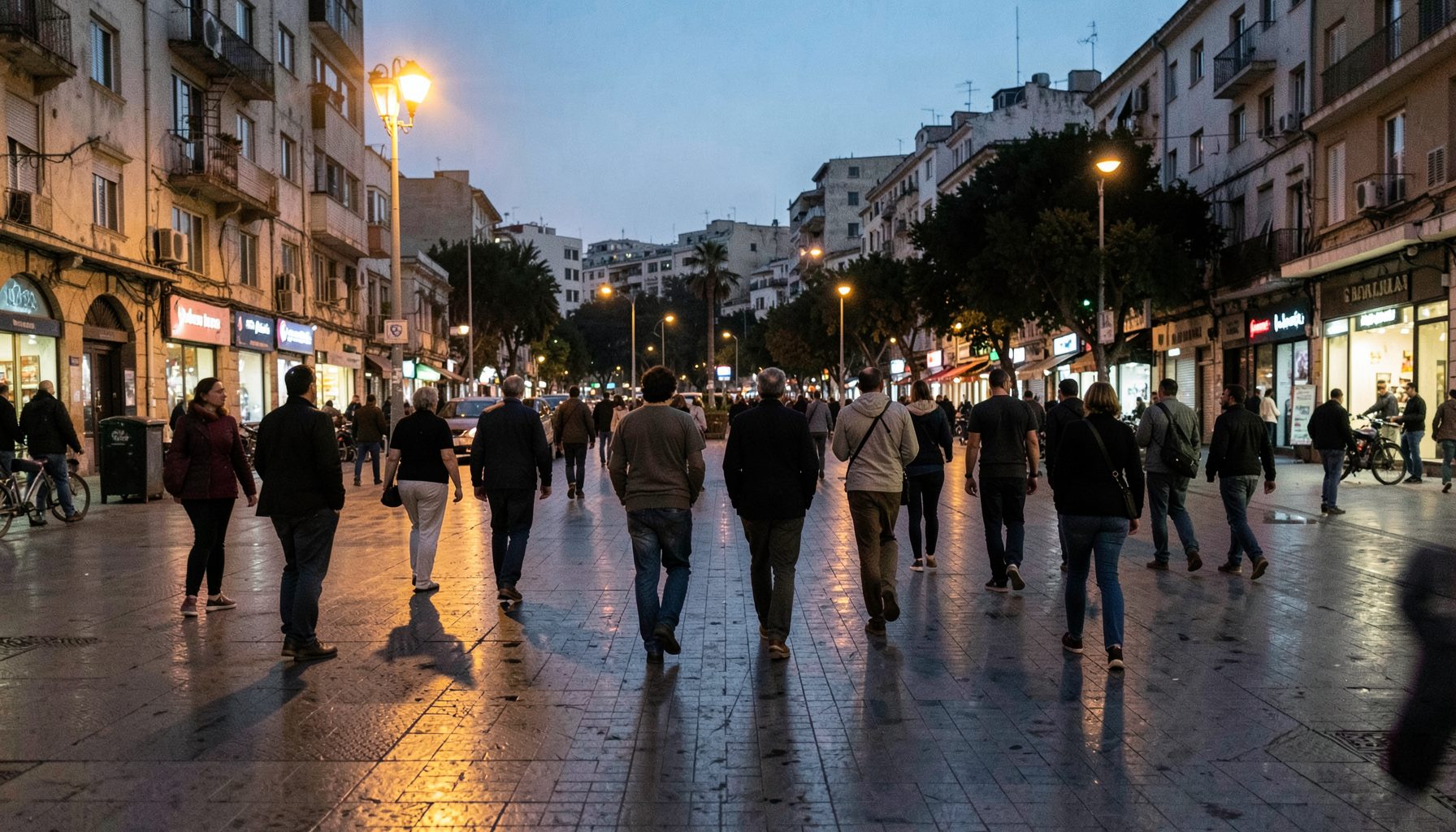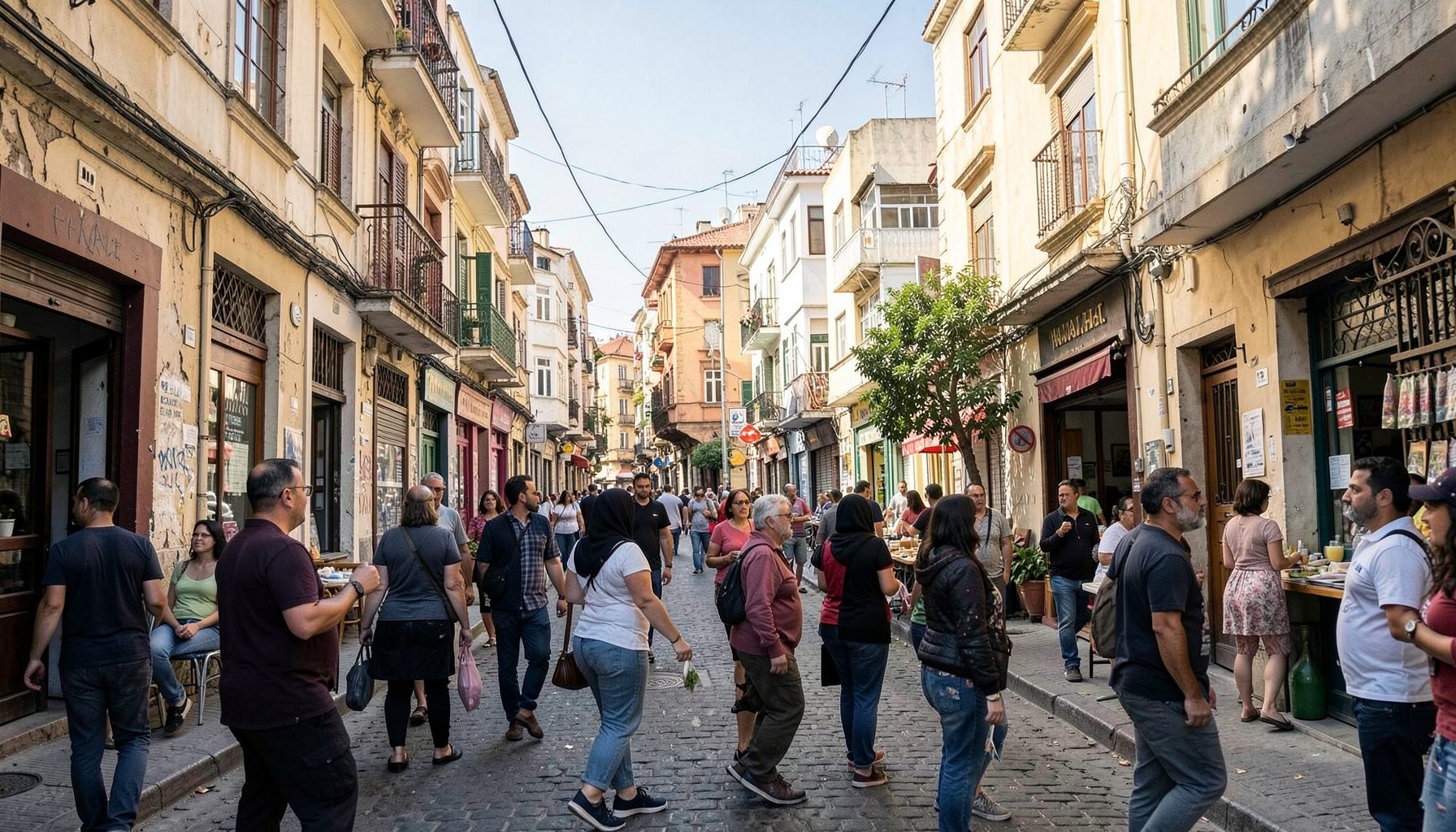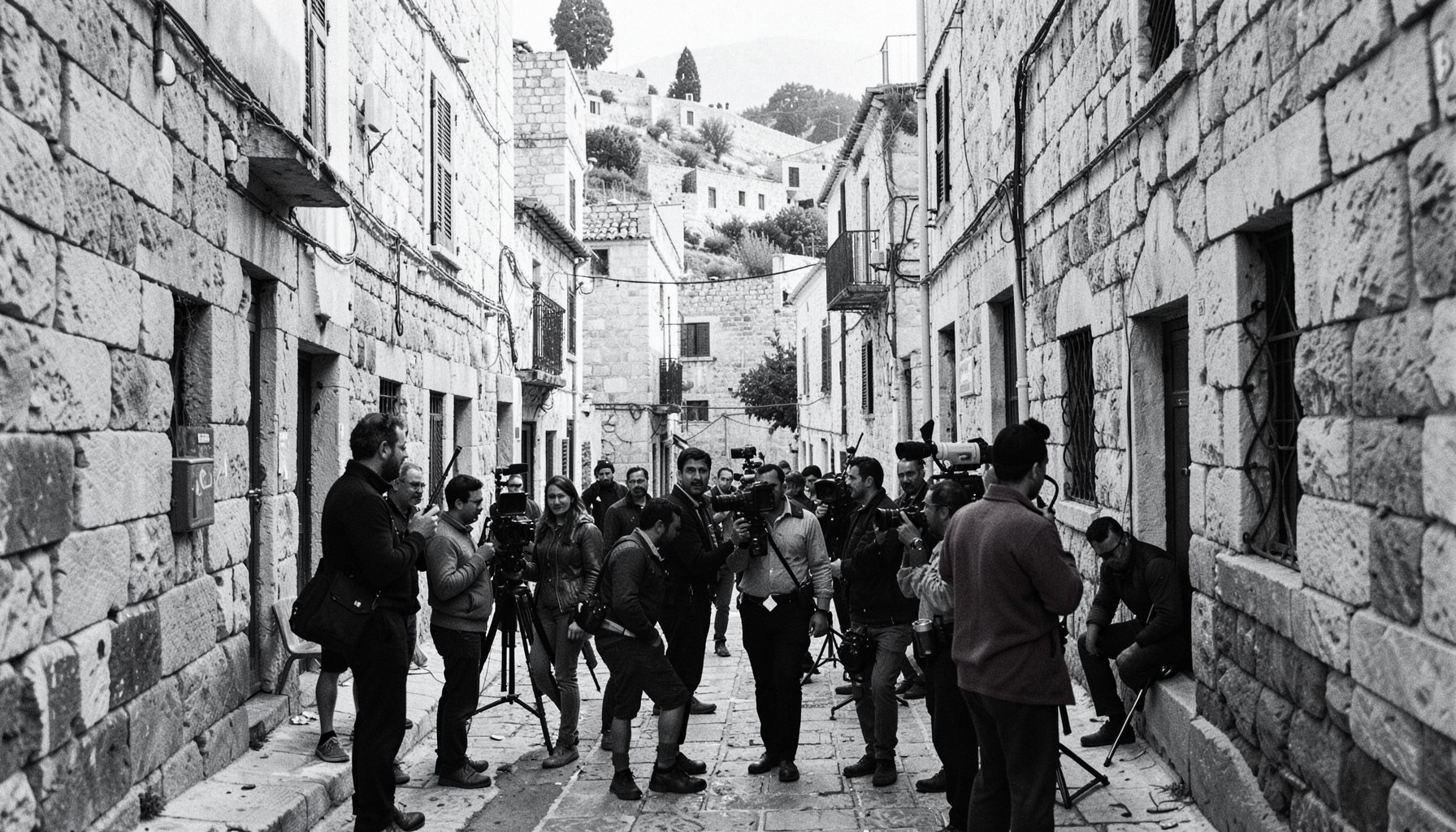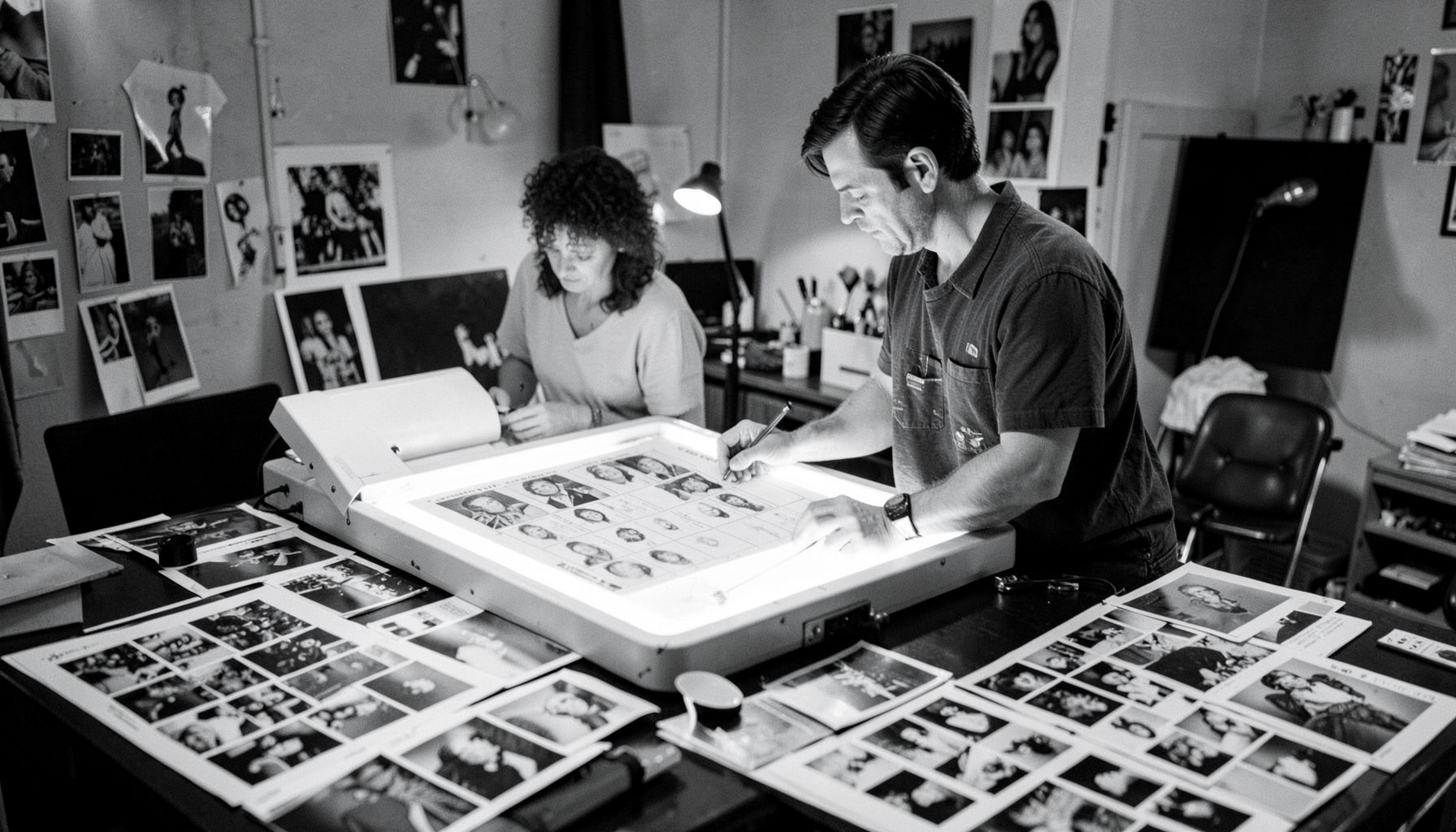

Searching the Shagrir Collection: Finding Key Images with Confidence
Picture a researcher in Sydney tracking down a photograph of a kibbutz dedication from the 1950s, or a student in Melbourne working on a documentary about the early Israeli air force. Both turn to the same place: the searchable database of the Shagrir Collection. The portal organises tens of thousands of negatives, prints, films, and personal papers so that the right image can be located without combing through boxes of original material.
For Australians with family ties to Israel, local historians, or journalists working on Middle East stories, the database functions as a window into moments captured by one of the country's most prolific chroniclers. While the collection is housed in Israel, its digital interface makes the materials accessible to anyone with a reliable internet connection, which matters across a country where regional towns often rely on NBN rather than fibre.
Getting Started with the Search Portal
The collection's homepage directs visitors toward a search window kept intentionally simple. A single field accepts terms in English or transliterated Hebrew, and beneath it sit dropdown menus for decade, format, and subject. For a quick lookup, typing "Yom Kippur 1973" already narrows results considerably, and the filter sidebar on the left of the results page rewards the curious.
First-time users sometimes assume the portal works like Google. It does not, and that is its strength. Each item has been catalogued by archivists based on formal reviews of the photographs and documents themselves. A query for "Rabin" will return images where the figure is not named in the original caption but was identified during processing. Australians browsing from a coffee shop in Fitzroy or Parramatta can rely on the default settings to surface meaningful results within a few seconds.
Boolean Operators and Advanced Filters
Researchers wanting finer control can switch to the advanced view, where boolean operators and field-specific searches become available. Typing "IDF AND Galilee NOT 1948" demonstrates how the engine interprets excluded terms, while quotation marks lock in exact phrases. Date-range sliders allow narrowing to a specific fortnight, useful when a film was shot over a defined news cycle.
The advanced filters also include a format selector covering still photography, motion picture footage, audio recordings, and textual documents. Researchers at institutions such as the Australian Centre for the Moving Image in Melbourne, or academics contributing to projects funded through the Australian Research Council, find these distinctions useful when distinguishing between a print made during an event and the contact sheet that produced it. The platform remembers filter choices within a session, so adjustments can be made incrementally rather than rebuilt from scratch.
Keyword Strategies for Visual Archives
Visual archives behave differently from text archives because the image carries the meaning while metadata describes it. A search for "tank" returns armoured vehicles but also figurative uses of the word in Hebrew captions. To avoid false positives, combine the term with a date or geographic qualifier. Searching by location name rather than event name often uncovers overlooked shots that lack explicit captions.
Hebrew and Arabic transliterations present another consideration. Many of Shagrir's original captions were handwritten in Hebrew script, and the cataloguing team has transliterated key terms into Latin characters using widely accepted conventions. The system also supports searches by negative number, which appears on certain prints held by family collections. Australians whose relatives emigrated from Tel Aviv or Haifa in the 1960s sometimes recognise these numbers and use them to pull the matching scan from the archive.
Synonyms are worth experimenting with. The collection uses both "clothing" and "uniform" depending on descriptive register, and a search restricted to one will miss records tagged with the other.
Browsing by Era and Subject
For visitors without a specific image in mind, browsing by era can be more rewarding than keyword searching. The collection is divided into broad historical periods, each linked to events Shagrir personally covered. The 1950s through late 1960s section includes early statehood ceremonies and mass immigration gatherings. The 1970s material captures the aftermath of the Yom Kippur War, while later decades document social and political shifts.
A recent restoration write-up on the Shagrir Collection blog explains how a 1967 newsreel from the Six-Day War was rescanned in 4K, with the restored version now linked to its still imagery counterparts. Browsing related works this way helps researchers build complete pictures rather than relying on a single photograph out of context.
Each era landing page lists curated themes such as "Border Crossings", "Parliamentary Sessions", or "Press Conferences". These curated lists often include material that does not appear under standard keyword searches because captions use colloquial rather than formal vocabulary.
Reading Catalog Records and Metadata
Each catalog record contains standard fields familiar to anyone who has used Trove or the National Archives of Australia. There is a title, a date, a description, the format, and a credit line. Beyond these, archive-specific entries include the original negative reference, the contact sheet reference, and notes about the condition or restoration history of the item.
Photographers represented in the collection often appear as subjects, and Shagrir himself appears in many frames, sometimes holding a camera in another photographer's shot. The metadata notes these appearances, helping film historians build visual chronologies. Condition notes flag any restrictions on reproduction, and reading them carefully avoids wasted requests. Where material has been digitised at lower resolution to protect fragile originals, the database makes this transparent rather than hiding the limitations.
Records marked "donation" follow different copyright rules than those marked "production", and the publication restrictions sit within the same panel. Researchers preparing material for Australian commercial publication should request written permission well ahead of any deadlines.
Cross-Referencing Across Formats
One of the database's strengths is the way it links related materials across formats. A still photograph of a press conference might connect to the newsreel footage of the same event, which in turn connects to a recorded radio segment and a transcript. Researchers building a documentary can pull the still, the moving image, and the audio from one page, then request the rights through a single form.
Linked materials appear under a "related items" tab on each catalog page. Clicking through these chains often surfaces marginal photographs or B-roll footage that would not appear in a direct keyword search. For editors at outlets such as SBS, where bilingual coverage of Middle East affairs has long been a focus, the cross-referencing can reveal broadcast-ready sequences rather than isolated snapshots.
Practical Tips for First-Time and Returning Visitors
Australians planning a research visit in person should combine digital searches with travel advice from the Department of Foreign Affairs and Trade, and check whether requested material will be available in the reading room. The collection staff respond to reference enquiries by email and often flag relevant items that the original search query missed.
Several supporting resources outside the archive are worth bookmarking. The companion site offers side-by-side comparisons that researchers find handy when matching Shagrir's catalogue conventions with other databases. Those interested in cultural coverage can explore Azayat features, where the collection occasionally receives long-form attention. The Shagrir blog itself runs an eclectic mix, and one recent Fairgo coupon guide sits beside restoration notes, reflecting how the platform reaches readers who arrived for the history and stayed for the variety.
Saving useful queries through the platform's bookmark feature helps when returning weeks later. Building a personal list of tried-and-tested keyword combinations is the single most efficient habit for frequent users.
| Feature | Basic Search | Advanced Search | Browse by Era |
|---|---|---|---|
| Speed of results | Fast | Moderate | Fast |
| Boolean operators | No | Yes | No |
| Date range filtering | Decade only | Continuous slider | Decade only |
| Format filter | Yes | Yes | No |
| Cross-reference links | Limited | Full | Curated |
| Best for | Casual browsers | Researchers and academics | Visual learners |